Fresh out of the oven
Spot a bug? These tools are new, so the odd thing may still wobble. If something looks wrong, it probably is. Tell us and we will sort it..
Fresh out of the oven
Spot a bug? These tools are new, so the odd thing may still wobble. If something looks wrong, it probably is. Tell us and we will sort it..
Fresh out of the oven
Spot a bug? These tools are new, so the odd thing may still wobble. If something looks wrong, it probably is. Tell us and we will sort it..
Pinnora's email generator writes one email or a timed drip of up to twelve. You name the outcome, the reader and the single action; leave the subject line blank and it writes one out of the body, so the two agree. What lands is table-layout HTML with inline styles, a plaintext mirror and an .eml file.
The tool is open above. This is the short version of what to do with it.
Name the outcome, who is on the list and the single action. Generate stays disabled while it is empty, with the footer naming the field it waits on.
The ruler starts at 1 and runs to 20. Anything above 1 becomes a timed drip, planned as a sequence rather than written one message at a time.
Goal opens on Trial activation and holds four more. Tone offers five registers, from Casual + direct to Professional + formal.
Subject line and Preheader can stay blank and the model writes both. CTA URL and From name are the two no prefill will ever guess.
Short answers to what people ask before they start.
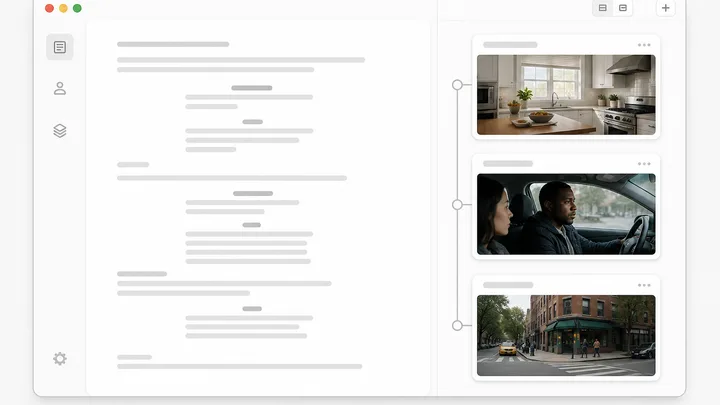
The Emails ruler runs 1 to 20, but the drip renderer caps at 12, so asking for 20 returns 12. At 1 you get a single send. Above 1, one cheap planning pass lays out the arc and gives each step a subject, preheader, angle and delay. Every message is then written by the same full renderer a single email gets, four at a time. The viewer stacks them on a Day N rail.
The HTML is written for mail clients rather than browsers: presentation tables, every style inline, no style block for Outlook to strip, web-safe fonts, a 600px body and a table-cell CTA button in place of a padded anchor. Images carry alt text and explicit width and height, and an unsubscribe link is required. Download the .eml from the viewer and open it in Gmail, Outlook or Apple Mail before you send anything.
Yes. Anything you type into Subject line or Preheader reaches the model as a hard constraint marked do not rewrite, and comes back word for word. Left blank, the model writes its own subject at 42 characters or under so it survives mobile truncation, plus a preheader under 100 characters that extends the subject rather than repeating it. On that written path, ALL CAPS, repeated exclamation marks and the words Newsletter and Update are banned.
Pick a project in the header dropdown and leave Use this project's details On, which is where it starts. Every email run then loads that project's brand, research, strategy, funnel and active reference pack into the prompt before a word is written, so it writes on your voice and keeps off your banned-phrase list. Leave the header on Quick tools and there is nothing to read, so the model works from your brief alone.
The viewer header has copy buttons for Subject, Preheader, HTML and Plaintext, so you can paste into Klaviyo, Mailchimp, HubSpot or anything that takes raw HTML, plus a .eml download for client testing. Inside a project you can send from here instead: Email Studio lists the email in the Compose rail, and Send broadcast takes a name, a from address, a reply-to and an audience, then sends now or schedules.
Yes, close to linearly. Each email in a drip is its own full render, so a five-step sequence costs about five single emails plus the one cheap planning pass. The Generate button carries that count, reading Generate 5 at five, so a batch never fires silently. The prefill will not raise Emails on its own either: it returns 1 unless you say sequence, drip or nurture, or name a number.
The rest of the family. Every one is free to try and runs on the same engine.