Fresh out of the oven
Spot a bug? These tools are new, so the odd thing may still wobble. If something looks wrong, it probably is. Tell us and we will sort it..
Fresh out of the oven
Spot a bug? These tools are new, so the odd thing may still wobble. If something looks wrong, it probably is. Tell us and we will sort it..
Fresh out of the oven
Spot a bug? These tools are new, so the odd thing may still wobble. If something looks wrong, it probably is. Tell us and we will sort it..
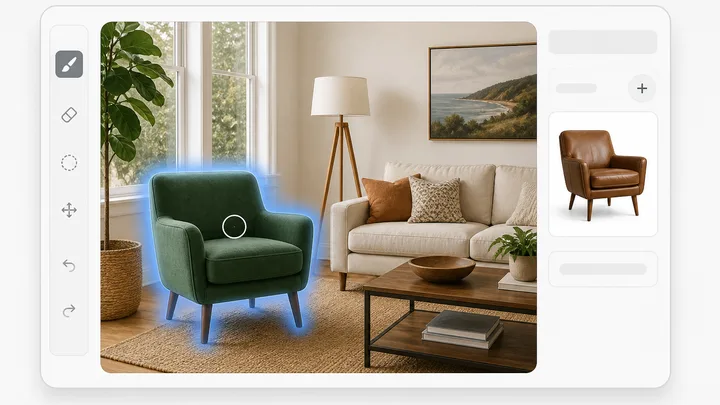
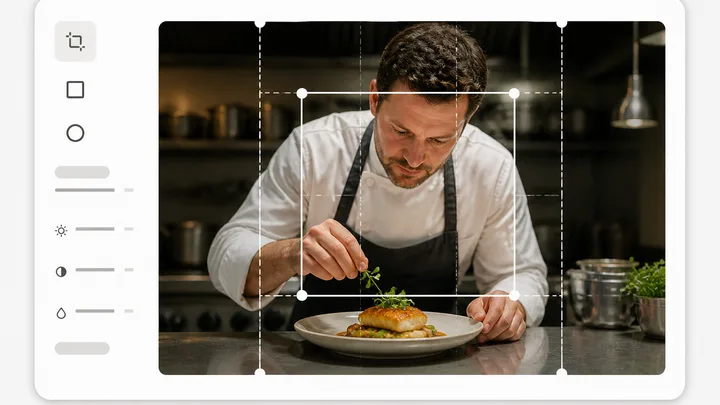
Pinnora's photo editor opens one image on a layered canvas. Paint over a region, describe what belongs there, and only the painted pixels change. Magic Erase, background removal, outpaint and 2x or 4x upscale sit in the same panel. Crop, text, shapes and the adjustment sliders run in your browser and cost nothing.
The tool is open above. This is the short version of what to do with it.
Drop a file, press Choose file, or press Open from project to pick a render you already made. It mounts on the full canvas with Layers and Properties docked.
Press G for Generative Fill or X for Magic Erase and brush the area, 8 to 200 px. Or take Magic wand, set Tolerance, and click one flat area to make the mask.
Type what belongs there in the task bar and press Generate. Magic Erase needs no wording. The x3 button runs three billed variations and opens the first.
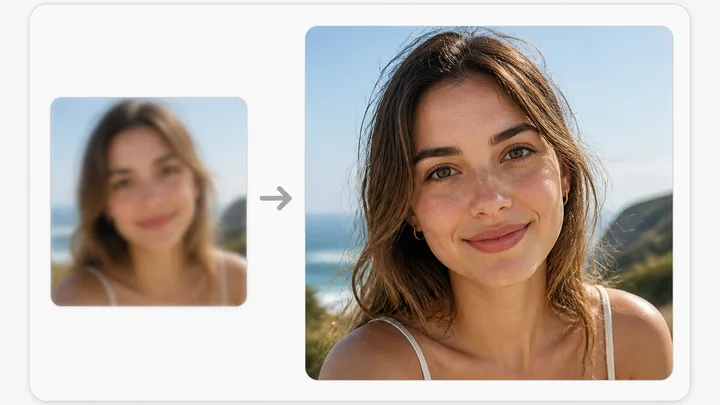
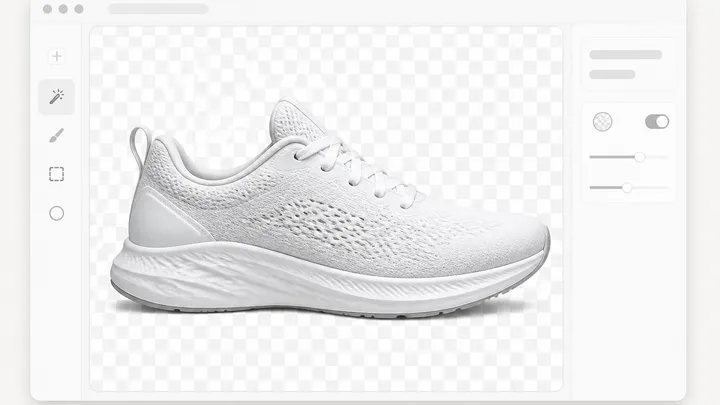
The AI tools panel holds Remove background, Expand / outpaint and Upscale. Save flattens to a new version; Download writes PNG, JPEG or WEBP at 1x, 2x or 4x.
Short answers to what people ask before they start.
An image file and a signed-in project. Drop it on the panel, press Choose file, or press Open from project to reuse a render the workspace already made. Anyone not signed in meets a Sign in to upload wall, because the file has to land in project storage before the canvas can mount. Any image type your browser accepts works, and nothing generates until you ask.
The five that run on a server: Generative Fill, Magic Erase, Remove background, Expand / outpaint and Upscale. The x3 button fires three separate calls and bills as three, and Cancel stops the ones that have not started yet. The rest stays in your browser and is free: crop, rotate, flip, text and shape layers, blend modes, the adjustment sliders, Save and Download.
No. Every AI edit writes a new image that records the one it came from, and the editor walks onto that new version so you can keep going. The original stays in the project. Save behaves the same way: it flattens your layers into a fresh version instead of replacing the old one. Undo and redo (Cmd Z, Cmd Shift Z) cover manual work while the editor is open.
PNG, JPEG or WEBP, at 1x, 2x or 4x the natural size, from the Download popover. JPEG and WEBP add a quality slider from 30 to 100 percent, and both flatten transparency onto white, so a cut-out subject does not come back on black. Your browser writes the file, so it costs no credits and needs no Save first.
Yes. Mask the words and type the new wording in quotes in the Generative Fill box. An instruction naming text, a headline, a caption or a button, or carrying a quoted string, goes to the edit model built for legible in-image lettering rather than the fill model, which garbles small type. For fresh copy, add a text layer and bend it with the Arc up, Arc down or Wave preset.
The rest of the family. Every one is free to try and runs on the same engine.