Fresh out of the oven
Spot a bug? These tools are new, so the odd thing may still wobble. If something looks wrong, it probably is. Tell us and we will sort it..
Fresh out of the oven
Spot a bug? These tools are new, so the odd thing may still wobble. If something looks wrong, it probably is. Tell us and we will sort it..
Fresh out of the oven
Spot a bug? These tools are new, so the odd thing may still wobble. If something looks wrong, it probably is. Tell us and we will sort it..
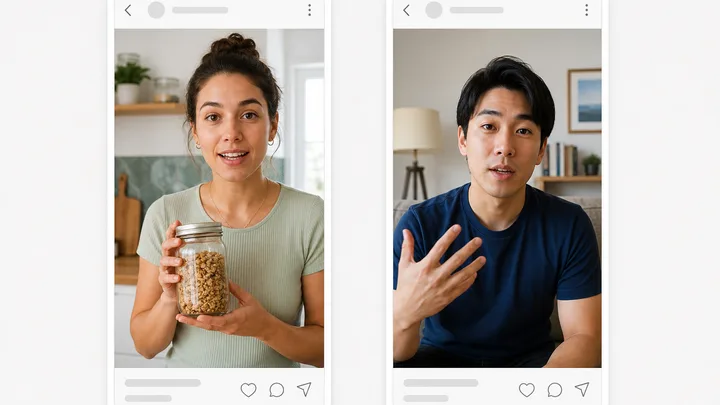
Pinnora's Instagram story maker builds one 9:16 frame for Instagram, TikTok and Meta stories. Your hook is typeset in word for word rather than rewritten, held in the top third, and the low band is composed clear so nothing sits under the real link sticker. Your product photo goes in as the first reference.
The tool is open above. This is the short version of what to do with it.
Template lists Single hook, Hook + CTA, 3-frame and 5-frame. Sticker CTA lists Swipe-up, Poll, Question, Countdown and None.
Fill the Product slot under References. That photo goes in as reference image one under a rule to reproduce it exactly, packaging included.
Say what the frame shows and where the viewer should go. This is the field the composition itself is built from.
Top-third hook takes 60 characters and is typeset word for word rather than rewritten. Generate stays disabled until both fields are filled.
Short answers to what people ask before they start.
No, and there is no ratio control to suggest otherwise. Every story comes back at 9:16, so a control offering 1:1 would hand back the same vertical frame. That is also why the default image model here is Gemini 3.1 Flash Image rather than the flagship GPT Image 2 used on the other image tools: it honors the 9:16 request, while GPT Image 2 quantizes to 2:3 and ships a story that reads short.
You can set every control first. Generate is where sign-in is asked for, and it opens over the tool rather than throwing you to another page. Your hook, direction, template and sticker are written to the browser as you type and put back afterwards, including when an email confirmation lands in a second tab. Runs then bill your org's credits, and this public page caps runs at 20 per ten minutes per address.
Pick a project in the header dropdown instead of leaving it on Quick tools, which is a scratch space with nothing to read. The Product slot under References then goes in as reference image one and is reproduced exactly, same form, label text and colors, and the headline and subhead have to weave at least two verbatim tokens from that project's research and brand pool. The same dropdown has a Use this project's details toggle to turn that off.
One. Generate produces a single 9:16 image plus headline, subhead and CTA label. Template is where you name the shape you are working toward, from Single hook to 5-frame, but each run asks for one image, so a multi-frame story is built by running the tool again for each frame. Every run is saved to the project you picked and shows under the History tab on this tool.
The art direction is written to a 1080x1920 canvas with the top 270 pixels and the bottom 400 pixels handed to platform chrome. The hook is placed in the upper third, inside a text-safe box of roughly 850x1250 starting 65 pixels in. The low band around y 1450 is kept clear for the real link sticker, so nothing you wrote sits under the caption or the reply bar.
The rest of the family. Every one is free to try and runs on the same engine.